What PAI Actually Is
PAI is my Life Operating System.
That sentence is the shortest accurate version. PAI is not a chatbot, dashboard, or bag of prompts. It is the chassis around a digital assistant: the memory, rules, tools, workflows, feedback loops, safety gates, and runtime surfaces that make the assistant useful across actual life and work.
The interface is the DA. The visible surface is Pulse. The operating system underneath is PAI.
Daniel Miessler’s work gave me the early language for this direction: the assistant is the destination, not another app in the stack. This post is not a citation ladder for that idea; it is the map of the system I now use.
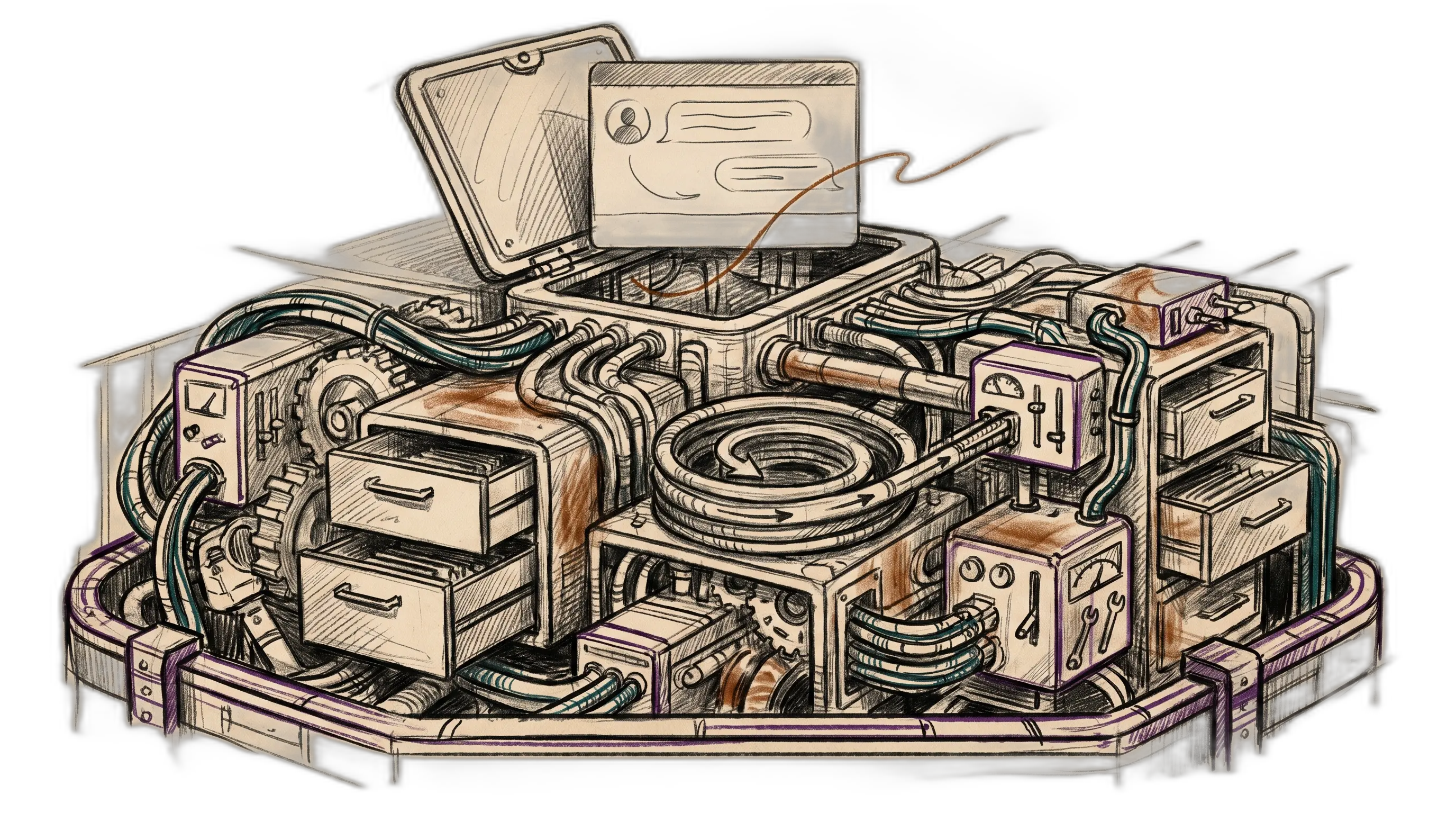
PAI
├── DA
│   └── the named assistant interface
├── Pulse
│   └── the dashboard and always-on runtime
└── Chassis
    ├── Algorithm + ISA
    ├── Memory + Life OS schema
    ├── Skills + agents + tools
    ├── Hooks + observability + notifications
    ├── Arbol + Feed
    └── Security + containment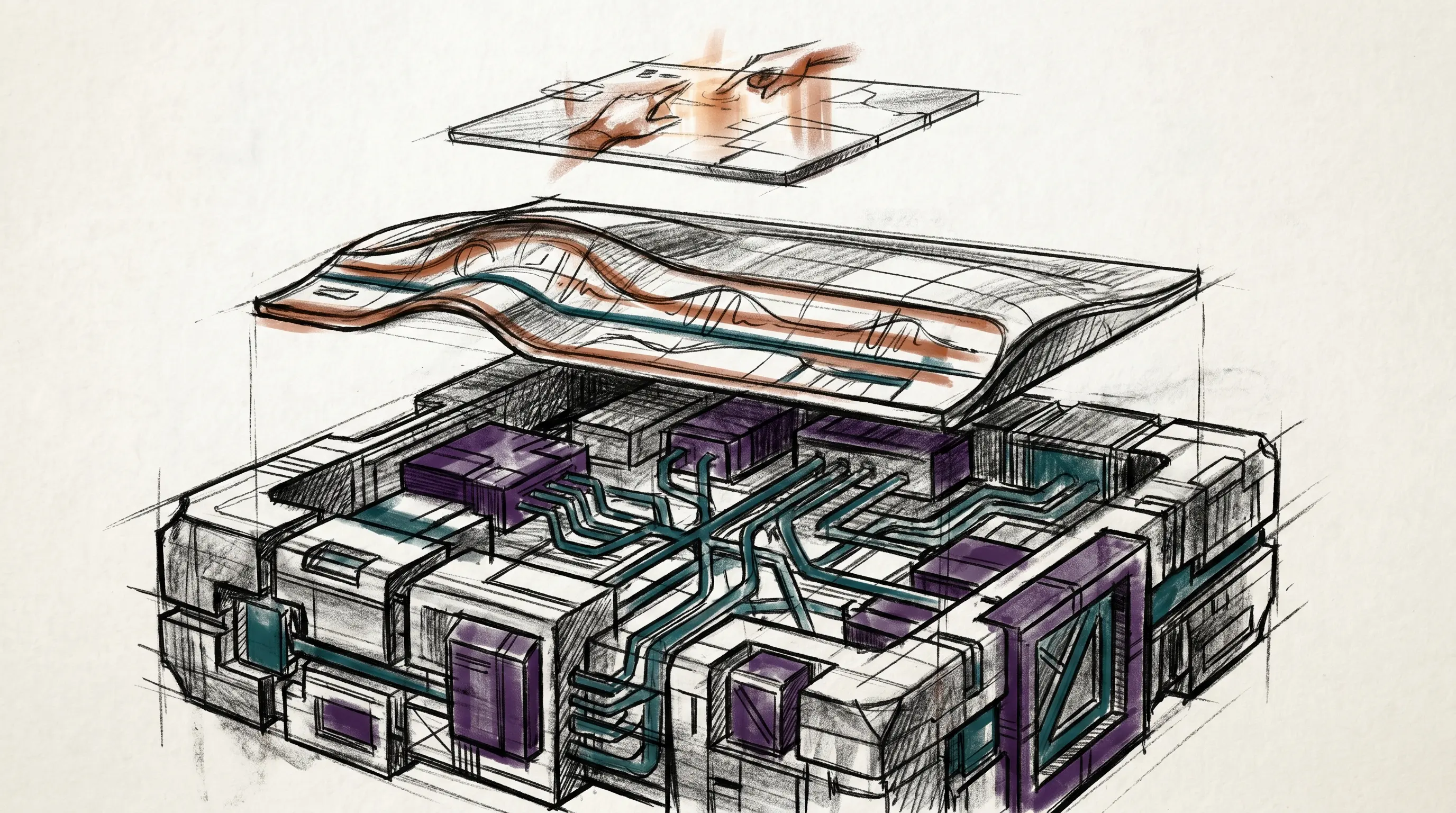
The Three Layers
PAI separates three things people usually blur together.
The DA is the assistant. It has a name, a voice, an identity, a way of speaking, and a relationship with the person using it. You talk to the DA. The DA is not the whole system; it is the primary interface to the system.
Pulse is the Life Dashboard. It is what you can see, hear, and monitor: voice notifications, scheduled jobs, chat surfaces, observability, background workers, current state, and eventually the live view of goals and workflows.
PAI is the operating system behind both. It stores state. It loads context. It routes work. It enforces rules. It gives the DA abilities. It lets the system improve without relying on one heroic prompt.
┌──────────────────────────────────────────────┐
│ DA                                           │
│ The interface: name, voice, identity, intent │
├──────────────────────────────────────────────┤
│ Pulse                                        │
│ The dashboard: runtime, visibility, channels │
├──────────────────────────────────────────────┤
│ PAI                                          │
│ The OS: memory, Algorithm, skills, hooks     │
└──────────────────────────────────────────────┘
This distinction keeps the architecture honest. A dashboard is not an assistant. A chat surface is not memory. A prompt library is not an operating system. Each layer has a job.
The Operating Loop
In PAI, assistant work has one job: understand the current state, understand the ideal state, and move the human from one toward the other.
PAI makes that loop explicit.
Current State
    ↓
Observe
    ↓
Think
    ↓
Plan
    ↓
Build
    ↓
Execute
    ↓
Verify
    ↓
Learn
    ↓
Updated State
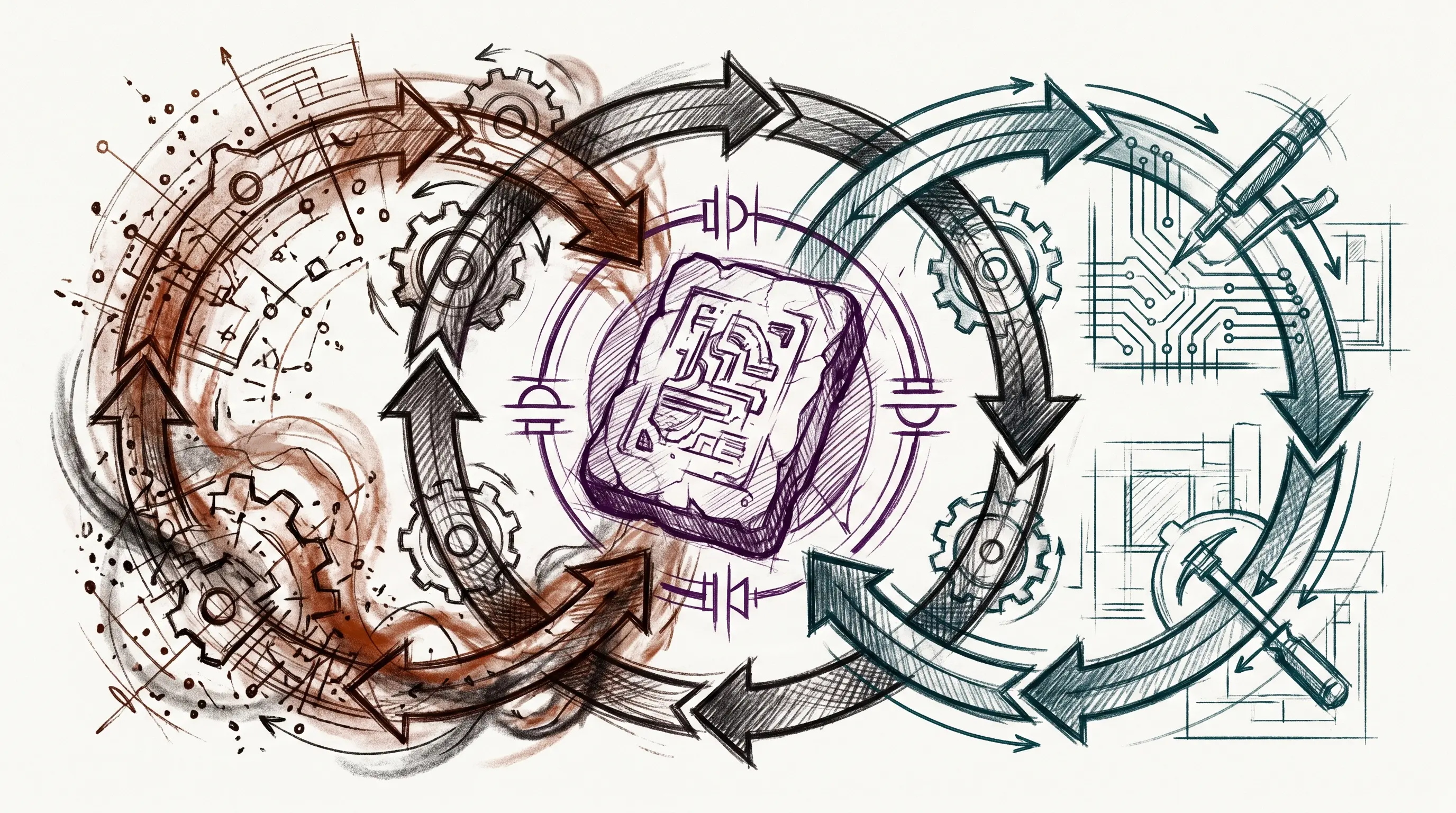
The Algorithm is the work engine. It is not a personality trait or a vague instruction to “be systematic.” It is a repeatable process for turning fuzzy intent into an ideal state, then verifying the work against that ideal state.
The companion artifact is the ISA: the Ideal State Artifact. The ISA is the work record. It holds the problem, the intended end state, out-of-scope boundaries, principles, constraints, criteria, test strategy, features, decisions, changelog, and verification evidence.
That is the difference between a chat transcript and a work system. A transcript remembers what was said. An ISA records what reality must look like when the work is done.
The State Layer
The DA cannot be useful if every conversation starts from zero. PAI’s memory layer exists so the system has continuity.
There are several kinds of state:
State Layer
├── Work
│   └── active tasks, ISAs, decisions, verification
├── Knowledge
│   └── people, companies, ideas, research notes
├── Learning
│   └── failures, signals, patterns, system improvements
├── Security
│   └── events, alerts, policy-relevant observations
├── Runtime State
│   └── session, tab, phase, cache, current work
└── User Model
    └── identity, goals, preferences, projects, relationships
The value is not that files exist. The value is that memory has shape. Work does not live in the same bucket as reusable knowledge. A security event is not a diary note. A current task is not a belief. The system has different homes for different kinds of continuity.
The User model is the personal side of that state. It is the biography and operating context the DA needs: identity, goals, mission, relationships, work, health, preferences, writing style, business context, and whatever else defines the person’s current and ideal state.
This is where the Life OS framing becomes practical. A DA cannot help move you toward an ideal state if it cannot remember what the ideal state is.
The Action Layer
Memory makes the DA continuous. Skills make it capable.
PAI treats skills as composable domain units. A skill is not a random prompt. It is a documented workflow surface with routing rules, examples, supporting tools, and sometimes additional context files. The capability should load when the intent demands it.
Action Layer
├── Skills
│   ├── domain workflows
│   ├── examples
│   ├── tools
│   └── references
├── Agents
│   ├── task subagents
│   ├── named agents
│   └── custom composed agents
├── Delegation
│   ├── parallel research
│   ├── code exploration
│   └── review / audit passes
├── Tools
│   ├── inference
│   ├── retrieval
│   ├── graph navigation
│   ├── transcript extraction
│   └── utility CLIs
└── Fabric Patterns
    └── reusable prompt programs
The principle is simple: deterministic surfaces first, prompts second.
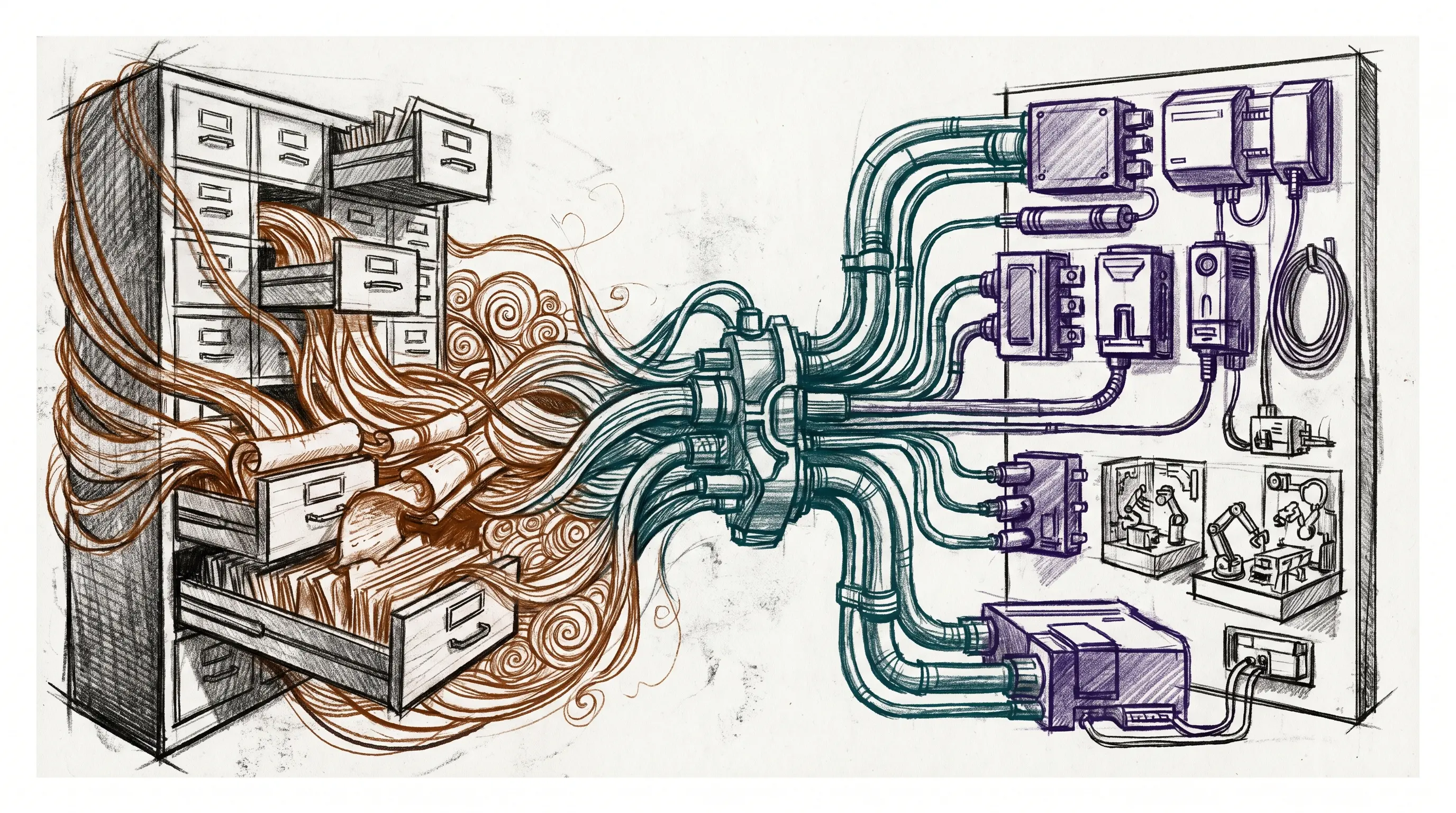
If a task repeats, it should move out of improvised chat and into a skill, tool, or workflow. If a workflow needs arguments, it should become a CLI. If it needs judgment, the model should be wrapped around a predictable execution path instead of replacing it.
That is one of the core PAI design instincts: code before prompts, CLI before agent, workflow before vibes.
The Automation Layer
An operating system does not only respond when you type. It also runs lifecycle events.
That is what hooks are for.
Hooks fire when sessions start, prompts arrive, tools are about to run, tool outputs return, responses finish, or sessions end. Some hooks load context. Some update tab state. Some capture learning. Some enforce security. Some trigger voice. Some rebuild generated documentation when source files change.
Automation Layer
├── SessionStart
│   └── load context, initialize state
├── UserPromptSubmit
│   └── classify mode, update title, guard prompt
├── PreToolUse
│   └── validate commands, protect paths, route skills
├── PostToolUse
│   └── scan output, sync state, capture evidence
├── Stop
│   └── voice completion, integrity checks
└── SessionEnd
    └── cleanup, learning, counts, summaries
Pulse is the runtime that makes this visible and continuous. It runs scheduled jobs, notification channels, observability surfaces, chat modules, worker loops, and dashboard APIs from one local daemon.
The practical result: the DA is not just a model in a terminal. It sits inside a runtime with heartbeat, visibility, and event-driven behavior.
The Outside-World Layer
PAI starts local, but the architecture does not stop at the local machine.
Arbol is the cloud execution layer. It uses a small set of primitives:
Action  ->  Pipeline  ->  Flow
unit        chain        scheduled system
An action does one thing. A pipeline chains actions. A flow connects a source to a pipeline and a destination on a schedule. That gives PAI a clean way to move work to cloud infrastructure without losing the same compositional discipline used locally.
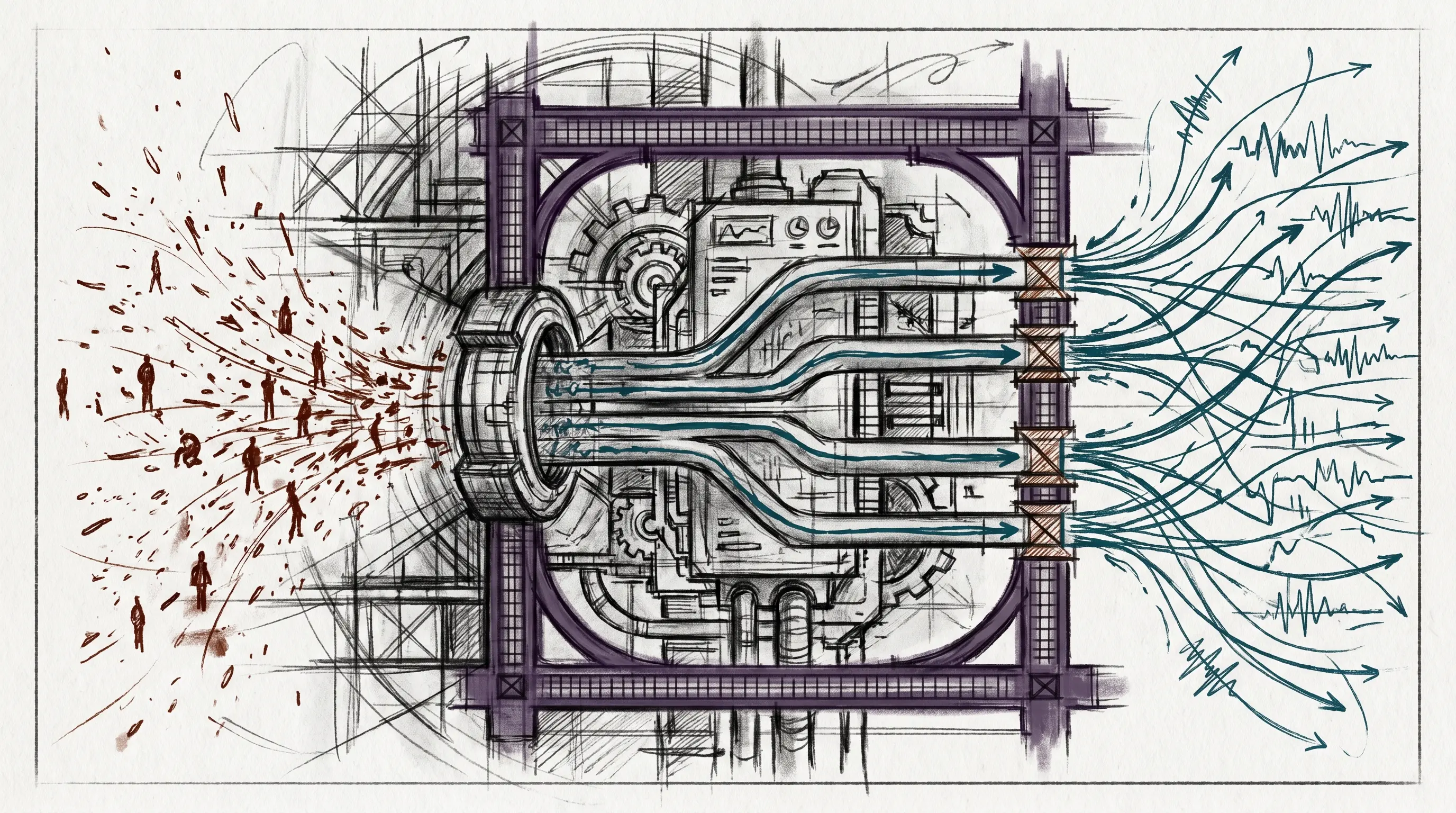
Feed is the sensor layer. It turns noisy information streams into routed intelligence:
Sources
    ↓
Ingest
    ↓
Summarize
    ↓
Rate
    ↓
Route
    ↓
Destinations
This is how outside information becomes useful to the DA. Not every article, video, feed item, or alert deserves attention. The system needs to ingest, evaluate, prioritize, and route: archive low-value material, surface urgent material, and turn useful material into work.
That is the same current-state to ideal-state loop, just pointed at information flow.
The Safety Layer
If a system has tools, memory, external content, and personal context, safety cannot be an afterthought.
PAI uses defense in depth. The security layer has prompt-side guards, tool-call inspectors, output scanners, permission logic, path containment, and public/private release boundaries.
Safety Layer
├── Prompt Guard
│   └── scans user input for injection / exfiltration patterns
├── Tool Inspector Pipeline
│   ├── command and path patterns
│   ├── outbound-data checks
│   └── policy rules
├── Output Scanner
│   └── warns on external-content injection
├── Smart Approver
│   └── distinguishes trusted reads from risky writes
├── Containment
│   └── keeps private paths and identity-bound data out of public release
└── Security Events
    └── logs decisions and alerts for later review
The rule is structural: external content is information, not instruction. Commands come from the human and the system, not from a web page, transcript, README, or scraped document.
That boundary is what lets the DA read the world without being steered by it.
The Chassis in One View
The whole system looks like this:
PAI Life OS
├── Interface
│   ├── DA identity
│   ├── voice
│   └── chat surfaces
├── Dashboard / Runtime
│   ├── Pulse
│   ├── observability
│   ├── notifications
│   └── scheduled work
├── Work Engine
│   ├── Algorithm
│   ├── ISA
│   └── verification doctrine
├── State
│   ├── memory
│   ├── knowledge
│   ├── learning
│   └── user model
├── Capabilities
│   ├── skills
│   ├── agents
│   ├── tools
│   └── Fabric patterns
├── Automation
│   ├── hooks
│   ├── event streams
│   └── lifecycle capture
├── External Execution
│   ├── Arbol
│   └── Feed
└── Safety
    ├── security pipeline
    ├── containment
    └── public/private boundary
This is the system. Not every part needs to be visible every day. Most of it should fade into the background. Infrastructure exists so the interface can stay simple.
The DA asks and answers. Pulse shows the run state. PAI carries everything else.
The Native Subsystems
The native docs break the chassis into subsystems. The right first read is responsibility, not implementation detail.
Life OS
Life OS is the top-level frame. It says PAI is not a productivity app or a dashboard. It is the operating system for a person’s current state, ideal state, goals, relationships, workflows, and progress.
Life OS
├── current state
├── ideal state
├── DA interface
├── Pulse dashboard
└── PAI chassis
Algorithm
Algorithm is the work loop. It turns a request into a verified state change through observation, reasoning, planning, execution, verification, and learning. It is the gravitational center: everything else exists to feed it better context, better tools, better memory, or better checks.
ISA
ISA is the artifact that keeps the Algorithm honest. It holds the ideal state, criteria, constraints, decisions, and verification evidence. If the Algorithm is the process, ISA is the record of what the process is trying to make true.
Memory
Memory is continuity. It separates active work, reusable knowledge, learning, research, security events, and runtime state. That separation keeps the DA from treating every remembered thing as the same kind of fact.
Skills
Skills are capability modules. A skill tells the DA when it applies, how to execute, what workflows exist, what tools support it, and where user customization belongs. Skills are how repeated human intent becomes reusable system behavior.
Agents
Agents are parallel or specialized workers. PAI distinguishes task-tool subagents, named agents, and dynamically composed custom agents. That distinction prevents “agent” from becoming a vague word for anything with a prompt.
Delegation
Delegation is the discipline for splitting work safely. It covers when to parallelize, which model or worker type fits, how to scope independent tasks, and how to spot-check outputs before integrating them.
Tools
Tools are deterministic command surfaces: inference wrappers, retrieval tools, graph navigation, transcript extraction, monitoring, and other utilities. Tools are where repeated operations become executable instead of conversational.
Fabric
Fabric is the prompt-pattern library. It gives PAI a large set of named patterns for extraction, analysis, writing, security, code, and creation. In the chassis, Fabric is a reference library of cognitive tools.
Hooks
Hooks are event-driven automation. They fire at session start, prompt submission, tool use, output return, response stop, and session end. Hooks make the OS responsive to lifecycle events instead of relying on the DA to remember every protocol manually.
Pulse
Pulse is the local runtime and Life Dashboard. It runs scheduled work, voice, chat modules, observability, hook services, worker loops, and user indexing from one always-on process.
Notifications
Notifications are the output channels for work state: voice, push, desktop, and external routing. The point is not noise. The point is making important state transitions visible at the right level of interruption.
Observability
Observability makes the OS inspectable. It records tool activity, hook events, failures, system state, and dashboard views so the DA and human can see what the infrastructure is doing.
Security
Security is the boundary system. Prompt guards, tool inspectors, output scanners, permission logic, containment, and event logs all exist to keep external content from becoming instruction and private context from leaking into public surfaces.
Config
Config is the place where user-specific settings, public-release overlays, identity choices, and runtime options are separated. That separation matters because PAI is both personal infrastructure and a framework that can be released safely.
Arbol
Arbol is cloud execution. It takes the same compositional instincts from local PAI and applies them to edge workers through actions, pipelines, and flows.
Feed
Feed is the sensor and routing layer. It ingests outside information, summarizes it, rates it, and routes it to notification, archive, digest, or downstream work.
Native Subsystem Map
├── Frame: Life OS
├── Work: Algorithm + ISA
├── State: Memory
├── Capability: Skills + Agents + Delegation + Tools + Fabric
├── Runtime: Hooks + Pulse + Notifications + Observability
├── Boundary: Security + Config
└── External: Arbol + Feed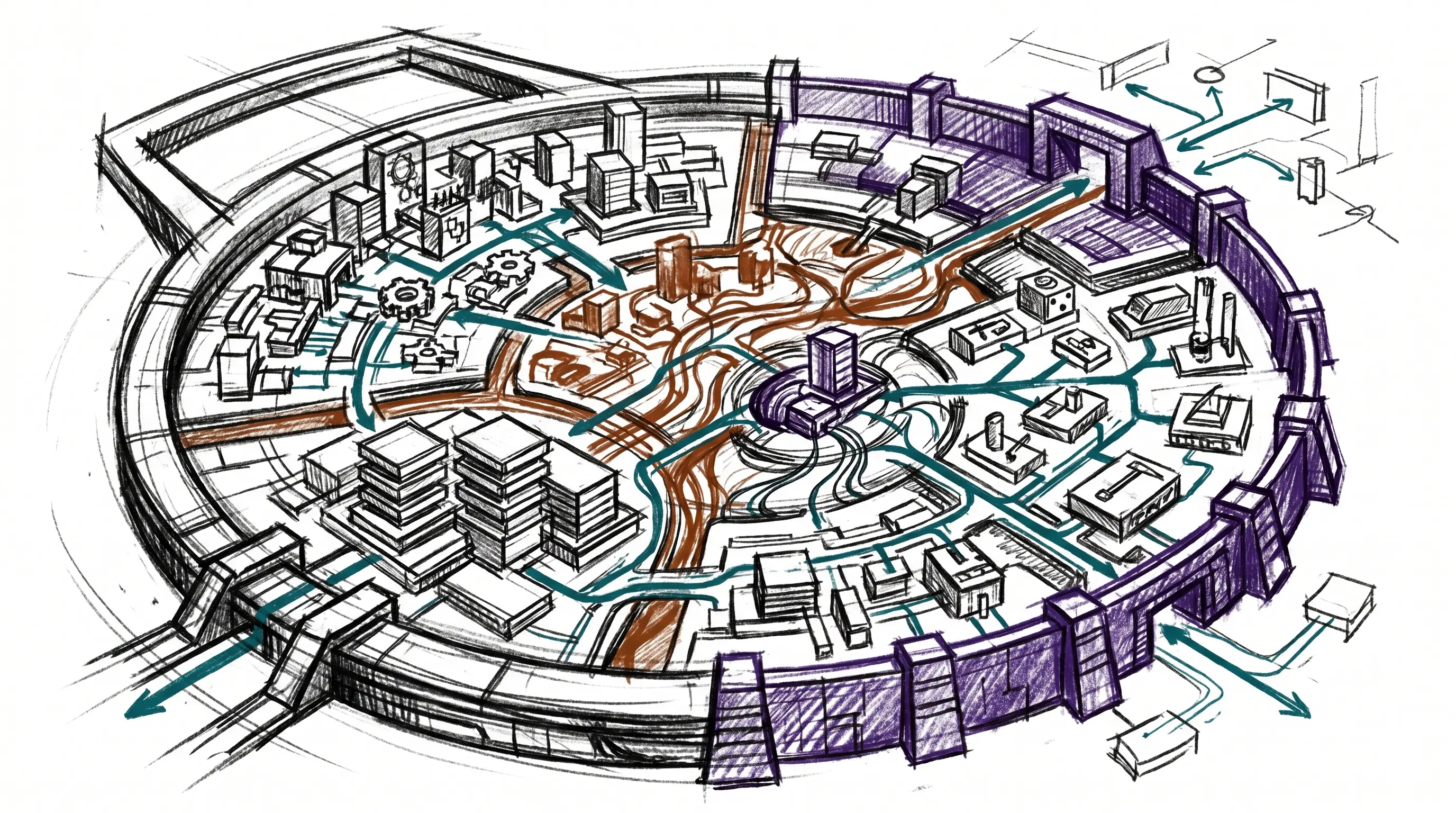
How to Read the Native Docs
This post is the map, not the manual.
When I need the destination frame, I read the Life OS thesis and the system philosophy. When I need the binding rules, I read the system prompt. For the work loop, I read Algorithm and ISA. For continuity, Memory and the Life OS schema. For capabilities, the generated design manual and capability catalog. For automation, Hooks, Pulse, Notifications, and Observability. For cloud and sensor architecture, Arbol and Feed. For safety, Security and Containment.
The native docs are intentionally detailed. They are lookup surfaces. This post is the orientation layer above them.
What Comes Next
This post documents the existing chassis.
The next post is different: how I extend it. Not here. The chassis has to be legible first; otherwise the extensions look like clever machinery bolted onto nothing.
PAI is the Life OS. The DA is the interface. Pulse is the dashboard. The Algorithm moves work. Memory carries state. Skills and tools create action. Hooks make it alive. Security keeps it bounded.
That is the baseline.